Publish blog posts to Wix
Install the Marcomm AI app on your Wix site once, then publish your published blog posts to the site’s blog, live or as drafts.
- 1In Marcomm, go to Settings → Integrations → Wix Blog. Only workspace admins can connect it.
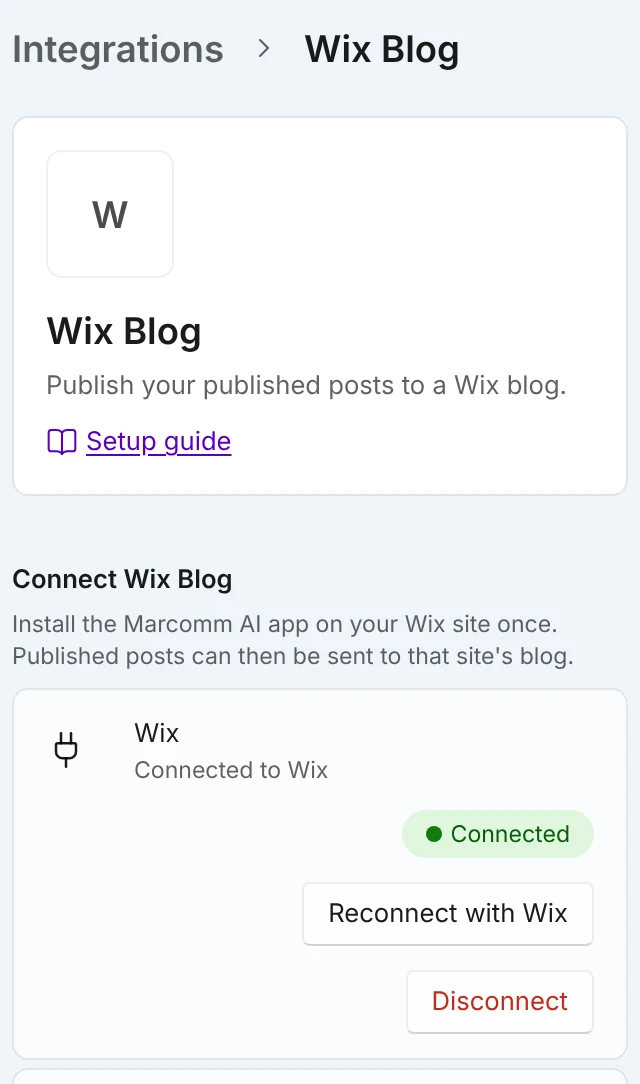
Select Connect with Wix and install the app on your site. No token is needed. - 2Select Connect with Wix, choose your Wix site and install the Marcomm AI app. No token is needed.
- 3You can also start in Wix: open the Marcomm AI app in your Wix dashboard, select Connect to Marcomm AI and choose the workspace.
- 4Open a published blog post in the editor, choose Send to in the ⋯ menu, then Wix.
- 5Check Visibility and select Publish. When it is done, select Open on Wix to see the post.
Set Default visibility when publishing on the same settings page. The dialog selects it first, and you can change it for each post.
Marcomm sends the title, subtitle, excerpt and body, with headings, lists, quotes and links. Images, tables and embeds are skipped. Wix has no field for the original page, so Marcomm adds a line at the end, “Originally published at”, with a link to your blog post. The line is added only when your Marcomm blog is public.
You can send a post as Public or Draft. Wix needs a site member as the author, so posts are written under the first member of the site. A very long post (more than 30,000 characters including formatting) cannot be sent, and Open on Wix opens your Wix dashboard.
Only published posts appear in the menu, and only people with full access to the blog can send them. The first time, the post is added to Wix. Sending it again updates that same post, so a later edit in Marcomm reaches Wix without a copy. Marcomm cannot delete the post there, and a post that is already public cannot be set back to a draft from here. The dialog also shows Open on Wix.
The connection belongs to the workspace, and only admins can connect, replace or disconnect it. Saved access is stored encrypted and never shown again. After Disconnect, posts already on Wix stay there, but Marcomm forgets which posts it sent, so sending one again makes a second copy.
FAQs
Add at least one site member in Wix, then connect again. Wix uses that member as the author of the posts.
An admin selects Disconnect on Settings → Integrations → Wix Blog. Posts already on Wix stay there.