Add DNS records with Cloudflare
Connect Cloudflare once and Marcomm adds the DNS records your newsroom or blog subdomain needs, then checks the connection. Other records are left alone.
- 1In Marcomm, go to Settings → Integrations → Cloudflare.
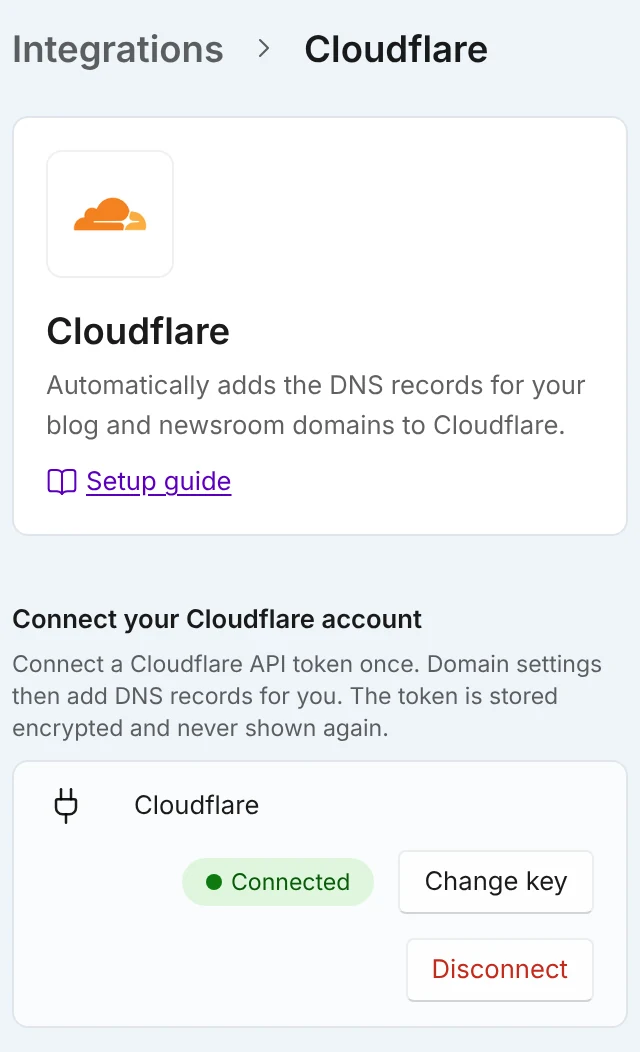
Connect Cloudflare once for the workspace. The token is stored encrypted and is not shown again. - 2Create a Cloudflare API token with Zone ▸ Zone ▸ Read and Zone ▸ DNS ▸ Edit. The Create a token link opens the Cloudflare token page.
- 3Paste the token into Cloudflare API token and select Connect. Marcomm checks that the token can read your zones.
- 4Go to Settings → Domains, choose Subdomain, enter the newsroom or blog address and connect it.
- 5On the verify step, select Add records. Marcomm adds the records to Cloudflare and then checks the connection.
If the screen shows Connect with Cloudflare, you can sign in to Cloudflare instead of creating a token.
For the subdomain, Marcomm adds a CNAME record pointing to cname.marcomm.works, a TXT record at _marcomm-verify.[your subdomain] that proves you own it, and any TXT record our hosting provider asks for to verify the domain. The CNAME is set to DNS only, with the Cloudflare proxy turned off.
If a record with the same name and type already exists, Marcomm replaces its value. TXT records are added next to existing ones, and records that already match are left as they are. Other records are not touched. If a different kind of record already uses the name, Marcomm stops and asks you to delete it in Cloudflare.
The Add records button appears when the domain’s nameservers are at Cloudflare. Connecting as a folder on your site does not use DNS records, so it does not use this connection.
Only owners and admins can connect Cloudflare and add records; other members can see whether it is connected. Connecting and adding records are each limited to 10 attempts an hour per workspace. Change key replaces the token, and Disconnect removes it. Records already in Cloudflare stay.
FAQs
Connect the Cloudflare account that has this domain. For an API token, also make sure the token includes this zone.
No. The CNAME is set to DNS only, because the connection check needs the record to point straight to Marcomm.
Yes. Open Add manually on the verify step and copy the values into Cloudflare.